License activation
# License Activation
Activating a PowerBI Robots license:
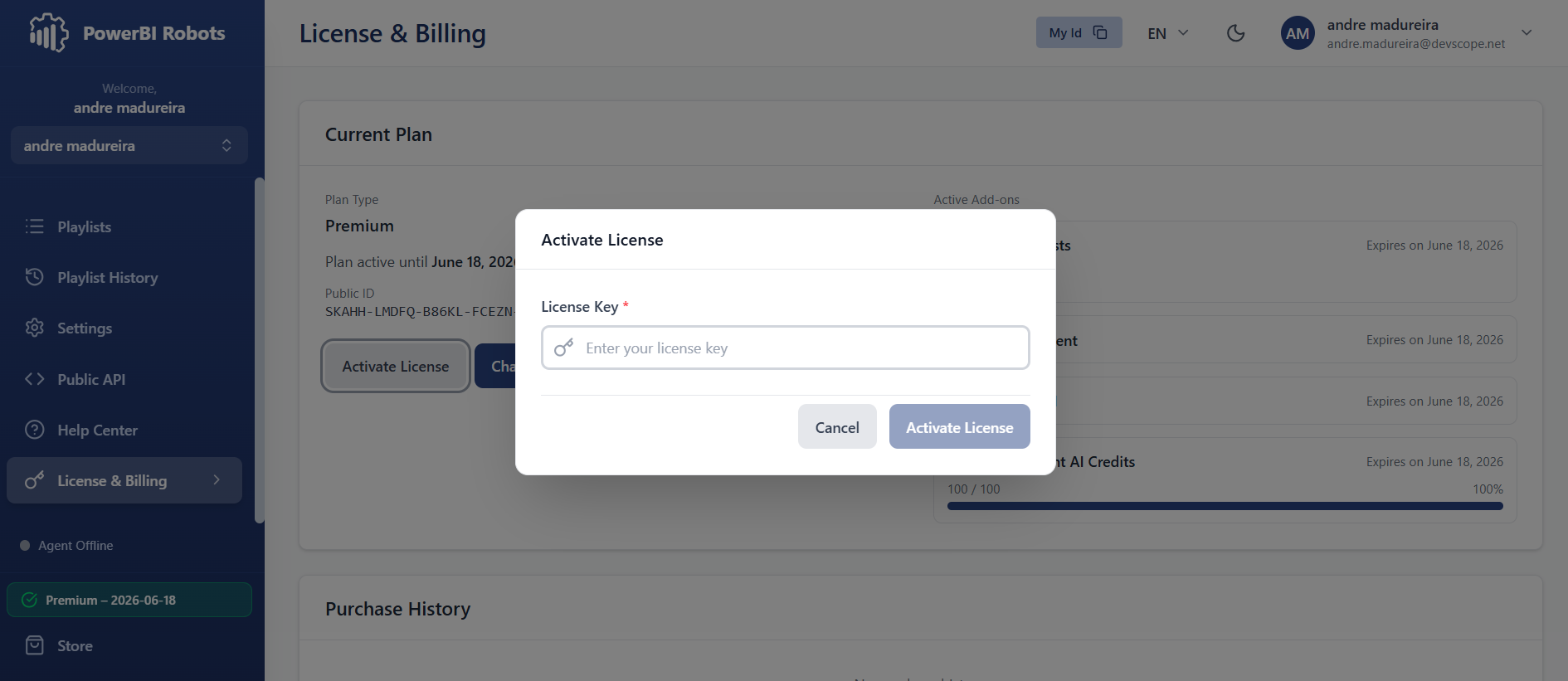
If you purchased a PowerBI Robots license and want to activate it, copy the license key from the email you received, navigate to the License & Billing tab in the PowerBI Robots.
Paste it in the License Key field and click Activate. Your license's validity will become visible at the bottom of the side menu.