Add reports
# Add Reports
When creating or editing a playlist you can add report pages and/or visuals in several ways:

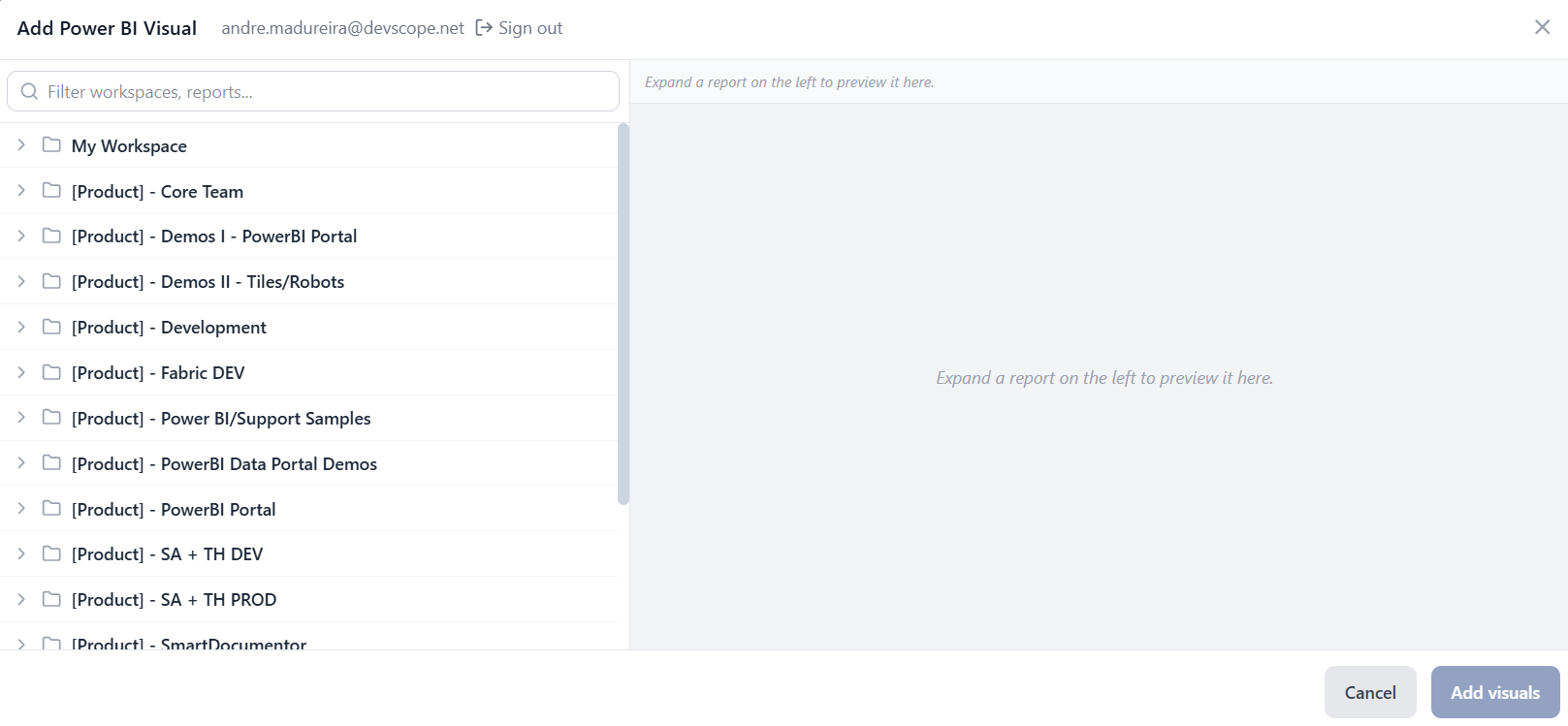
- Add Power BI Visual: After signing in with your Power BI account, a treeview appears and you can select from your workspaces the report and/or visuals you what to add.
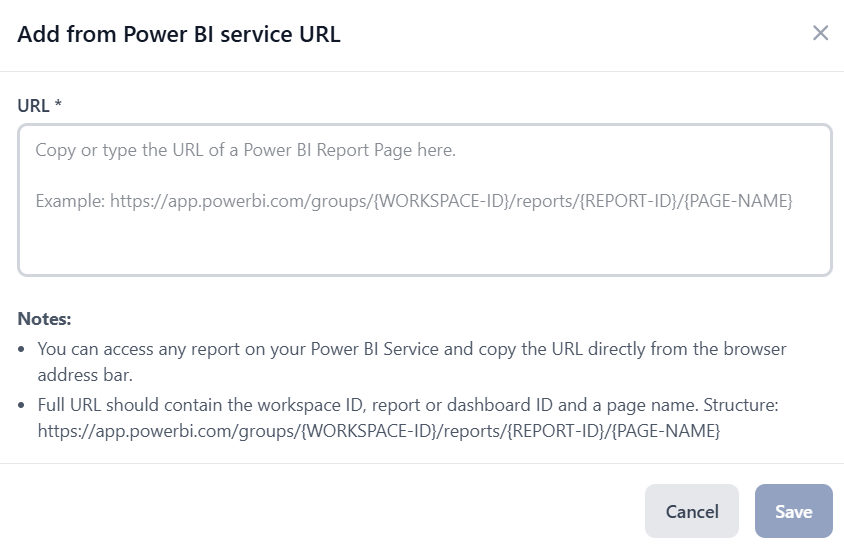
- Add from Power BI Service URL: You can reports directly via the Power BI Service URL.
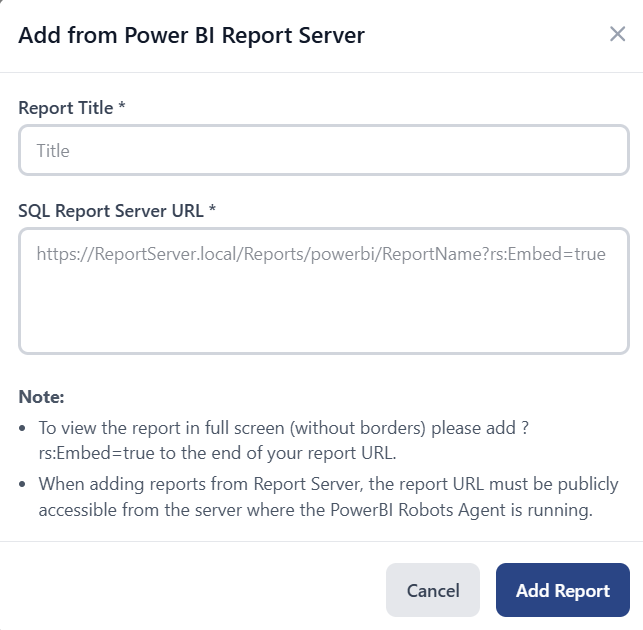
- Add from Power BI Report Server URL: You can reports directly via the Power BI Report Server URL.
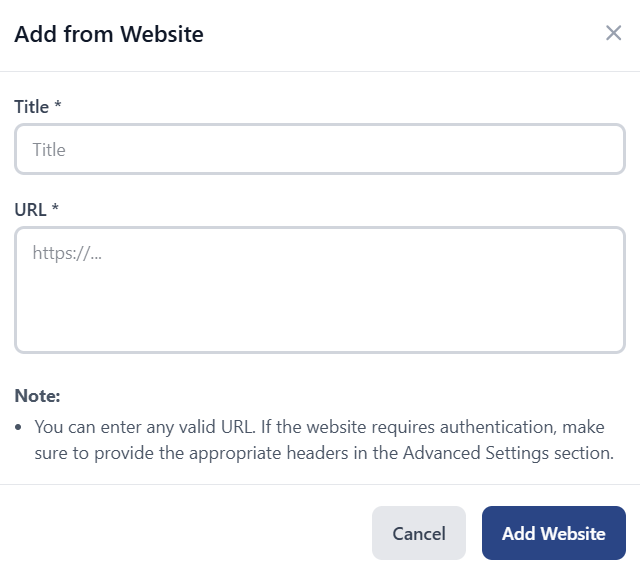
- Add from Website: You can add any valid URL as a source. If the website requires authentication, make sure to provide the appropriate headers in the Advanced Settings section.